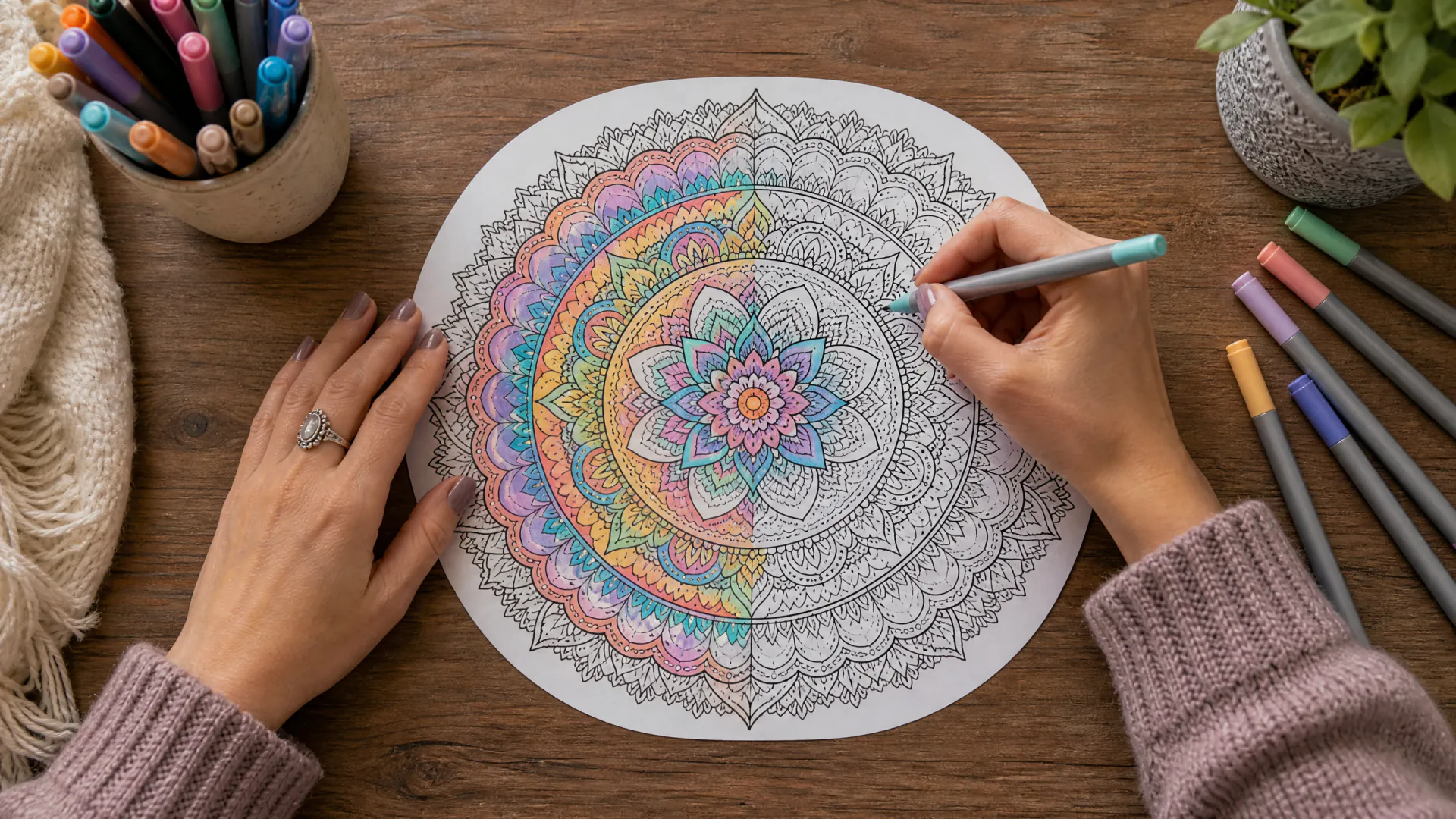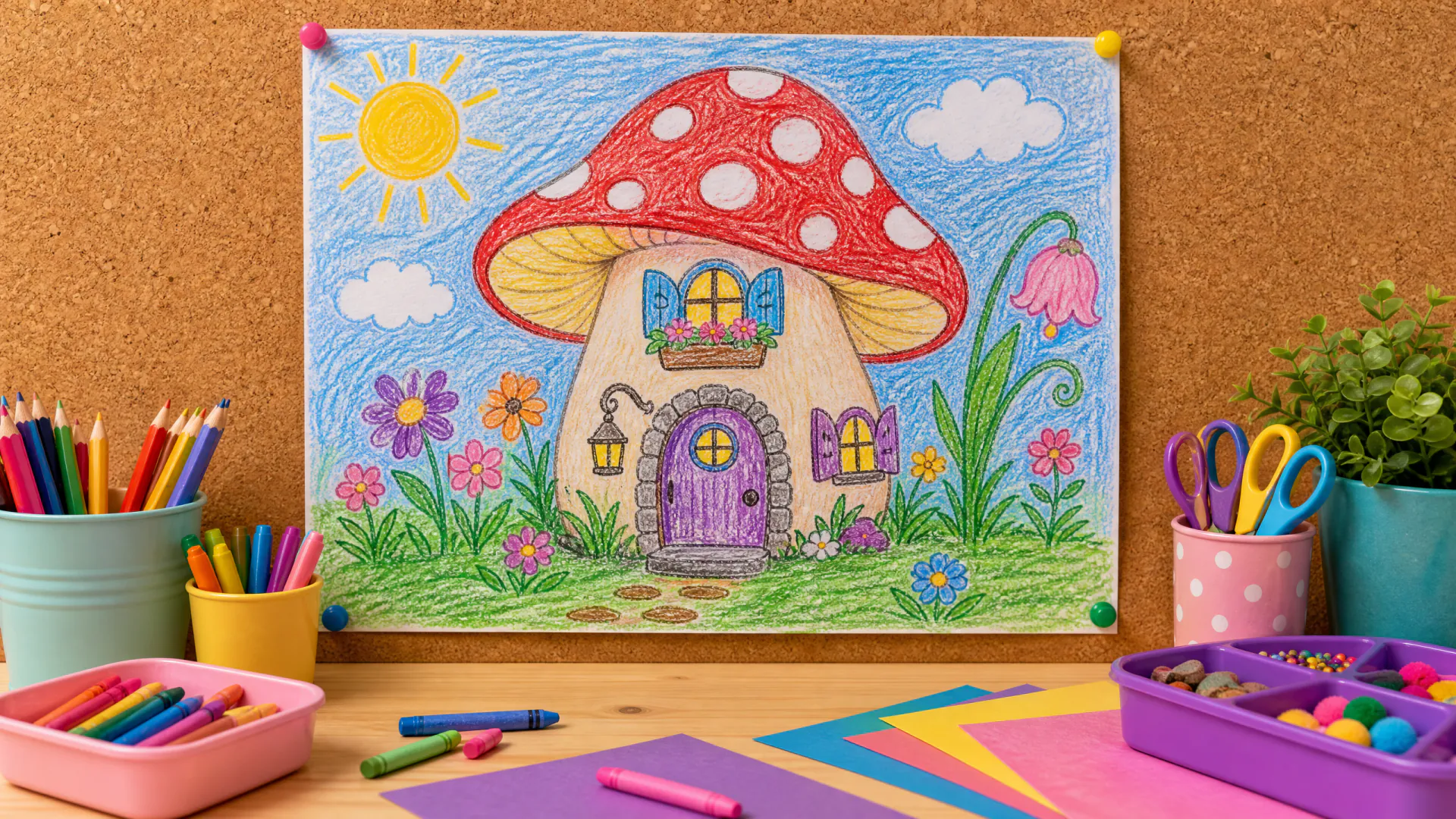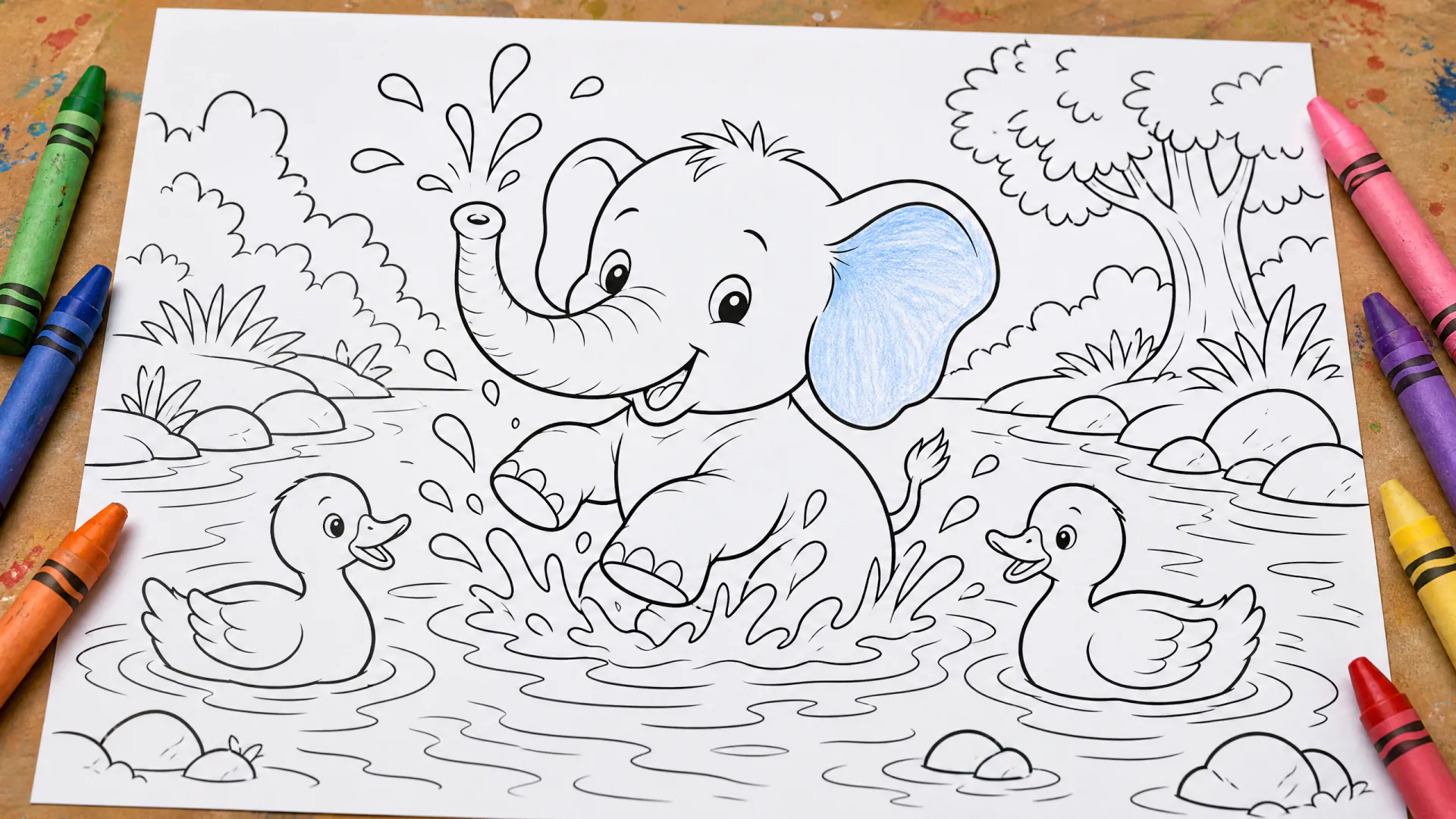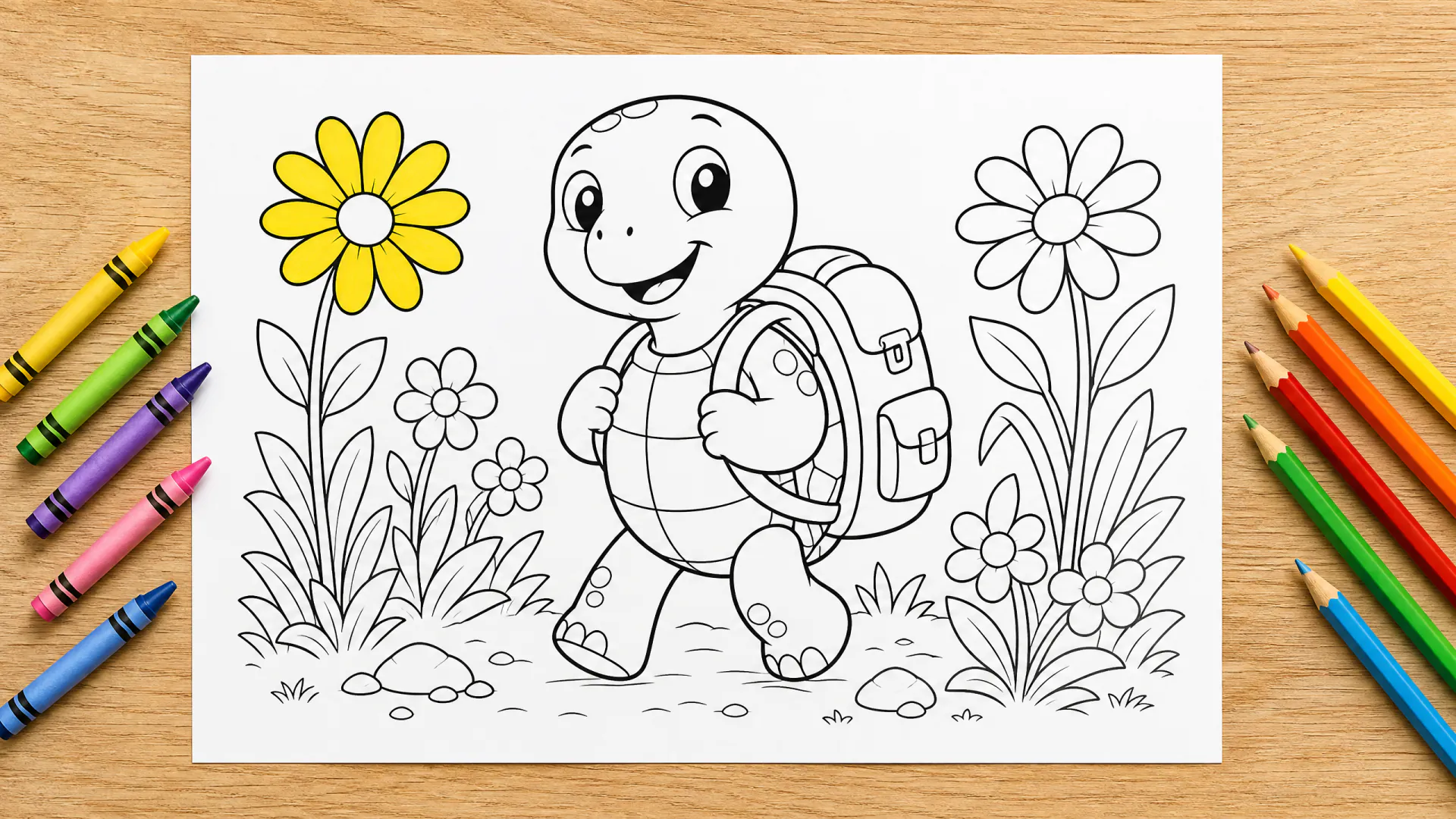
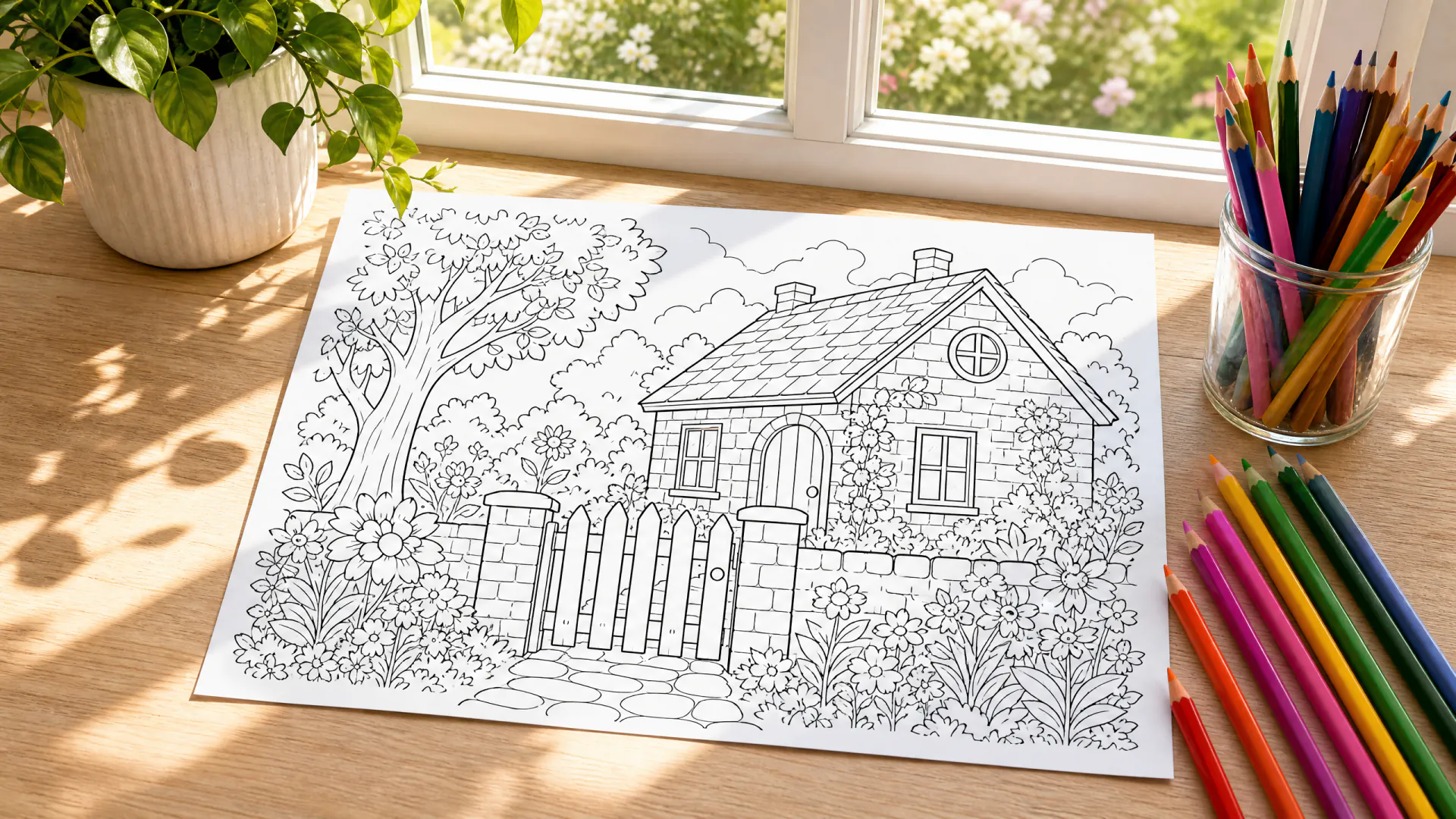
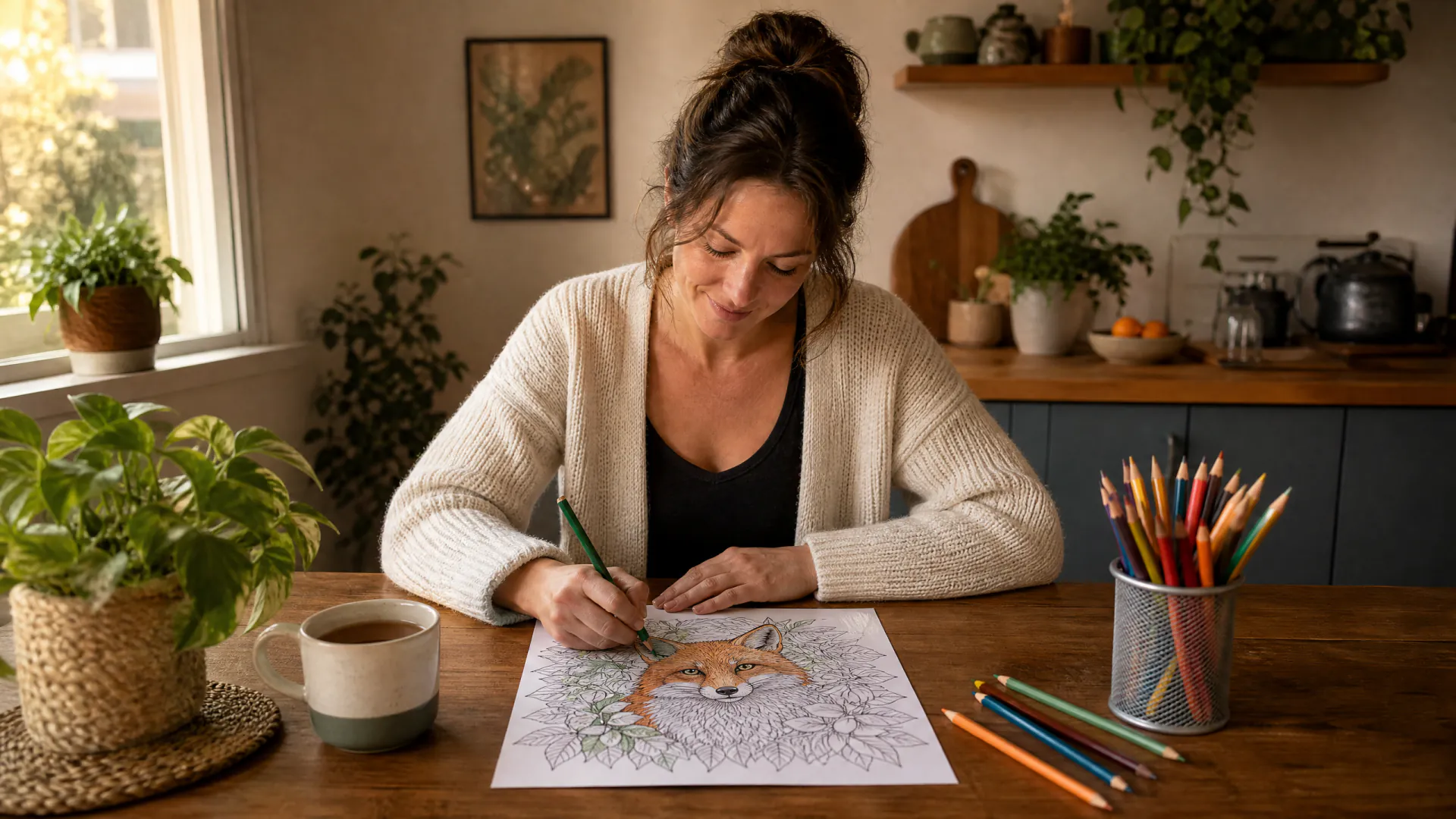
Nano Banana 2 traces your photo

Photo to coloring page: your pictures as line art

Upload a photo of your dog, your house or a favorite place, say how detailed the lines should be, and get a black-and-white page to print and color.

  • One photo, one page
  • Keeps the shape of your picture
  • No shading, ready to print
One photo of a pet, a place, an object or an adult who agreed. No children. PNG, JPEG or WebP, 10 MB.
Try
Model
Page shape
Size
Pages

20 credits

Buy credits

Add a photo to make a page from it

At a glance

To turn a photo into a coloring page here, choose From a photo, upload one PNG, JPEG or WebP picture and describe the level of detail. Nano Banana 2 traces the main subject as clean black outlines on white, keeps its pose and shape, and simplifies the background. A page costs 20 credits at 1K or 2K (1792x2400 pixels for 3:4). Photos of children are not allowed.

Model
Nano Banana 2
Input
One photo: PNG, JPEG or WebP, up to 10 MB
Price per page
20 credits at 1K or 2K
Cost in dollars
About $0.18–$0.25 per page
Minimum purchase
A 400-credit pack for $4.99; plans from $9.99 a month
Page shapes
3:4, 2:3, 1:1, 4:3 (3:4 fills US Letter or A4)
Allowed photos
Pets, places, objects and adults who agreed; no children

What a photo to coloring page conversion keeps

  • 01

    The shape of your subject

    Pose, outline and the features that make your pet, car or house recognizable are traced into lines.

  • 02

    A simpler background

    Busy backgrounds become a few clear shapes, or plain white when you ask for it.

  • 03

    Lines you can color

    Closed outlines with space between them, and no photo texture, grey tones or shading.

  • 04

    Your choice of detail

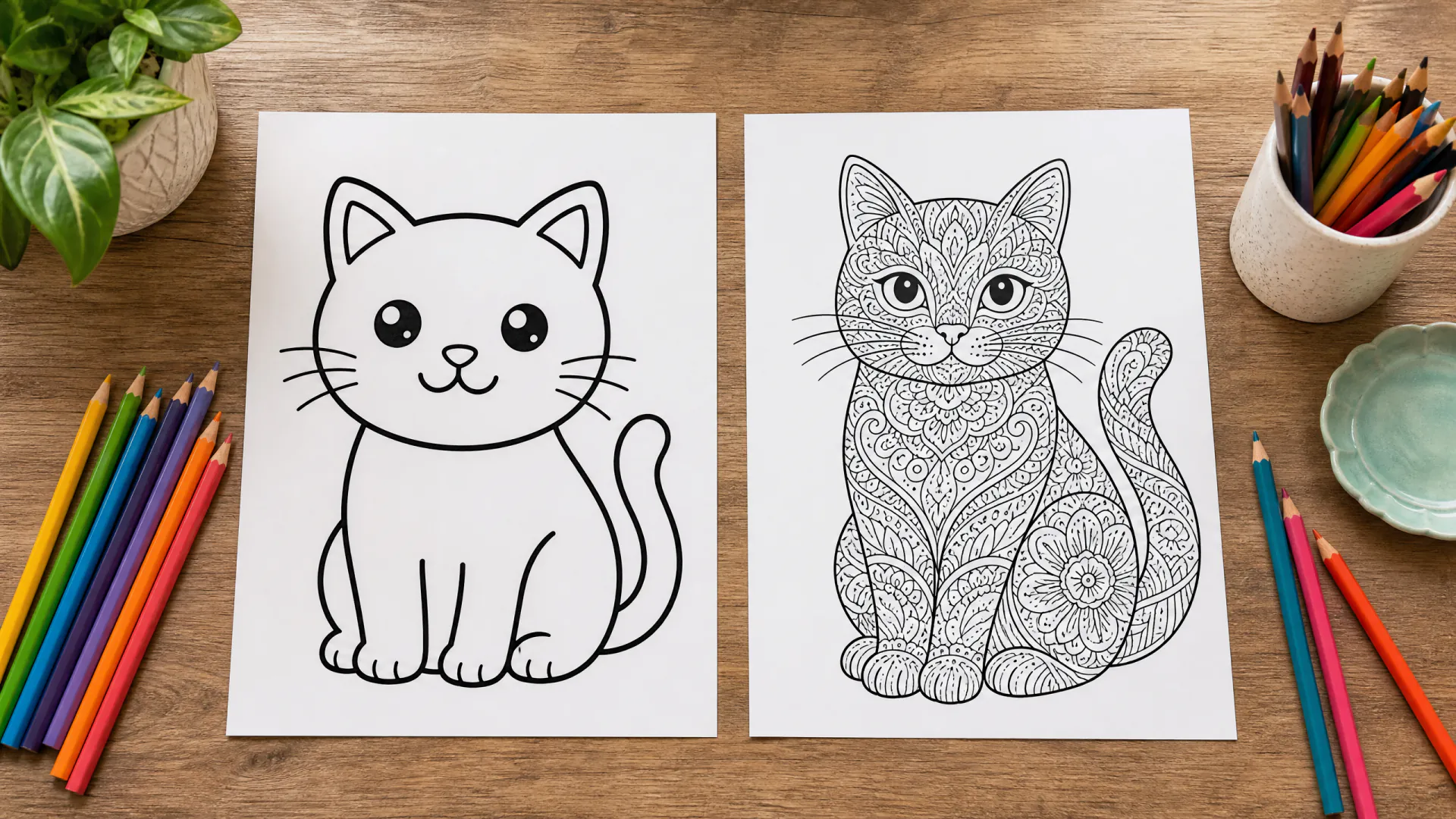
    Ask for thick, simple lines for small children or fine detail for older kids and adults.

How to turn a photo into a coloring page

  1. 01

    Choose a clear photo

    One main subject, good light and little clutter work best; crop out what you do not need.

  2. 02

    Upload and describe

    Add the photo, then say how detailed the lines should be and what to keep or drop.

  3. 03

    Print or try again

    Download the page; if a detail is lost, name it in the request and generate again.

Which photos make good coloring pages

The model can only trace what it can see. These photos convert best:

  • A single pet or animal, facing the camera or in profile
  • A house, a car or a landmark photographed straight on
  • An object with a clear outline, such as a bike or a cake
  • A landscape with a few big shapes: a lake, hills and trees
  • Sharp, well-lit pictures without heavy filters
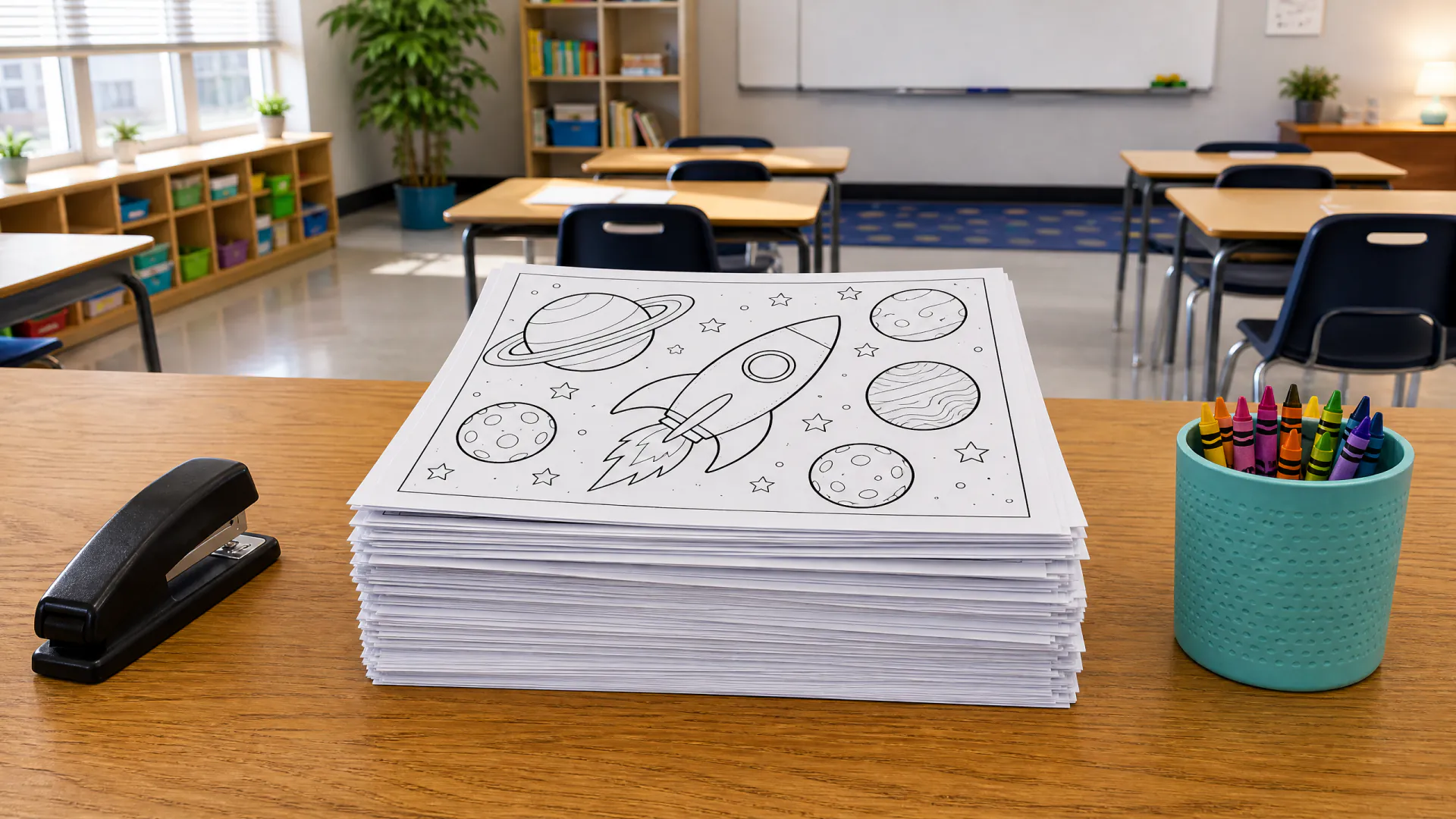
Photos of people

You may upload a photo of yourself or of another adult who agreed to it. Photos of children are not allowed, even your own: use a pet, a toy or a described scene instead. The brief asks the model to draw every person fully clothed and as the adult they are, and the model provider's safety system can refuse unsafe requests.

Results are line drawings, not exact portraits: faces are simplified into outlines, so a likeness is approximate.

A model, not a sketch filter

Photo filters such as edge detection or a sketch effect keep every texture of the photo, which leaves grey patches and broken lines that are hard to color. A model redraws the picture as line art: it decides which edges matter, closes the outlines and leaves the rest white.

The trade-off is that it is a redrawing, so small details can change or disappear. Name anything important in your request, such as “keep the collar” or “keep the round window”.

Your photos and privacy

Your photo is stored at an unlisted link so the model can read it, and the page is saved to your private history. We keep both while your account is open, with no automatic deletion schedule, and delete them when you ask us to. We do not sell your photos.

Photo to coloring page FAQ

Can I turn any photo into a coloring page?

Most clear photos work. Pets, buildings, vehicles, objects and simple landscapes convert best. Photos of children are not allowed, and blurry, dark or very busy photos give weaker lines.

How much does a photo coloring page cost?

20 credits per page at 1K or 2K, about $0.18–$0.25 depending on the plan or pack; credits come in packs from $4.99. Signing up is free; pages use purchased credits, and failed pages return their credits.

Can I use several photos for one page?

Not at the moment: one page uses one photo. To combine subjects, put them in one photo first, or make one page per photo and print them together.

Will the page look exactly like my photo?

It keeps the pose, layout and main features, but it is a redrawing: textures disappear and small details can change. Faces are simplified, so a likeness is approximate.

Can I make a coloring page from a photo of my child?

No. Photos of children are not allowed on this site, even with a parent's consent. Make a page of their favorite animal, toy or place instead, or describe a scene in words.

Turn a photo into a page

Create a free account, upload one photo and see the price before you generate. Pages use purchased credits.

Last updated October 23, 2026

Create your free account