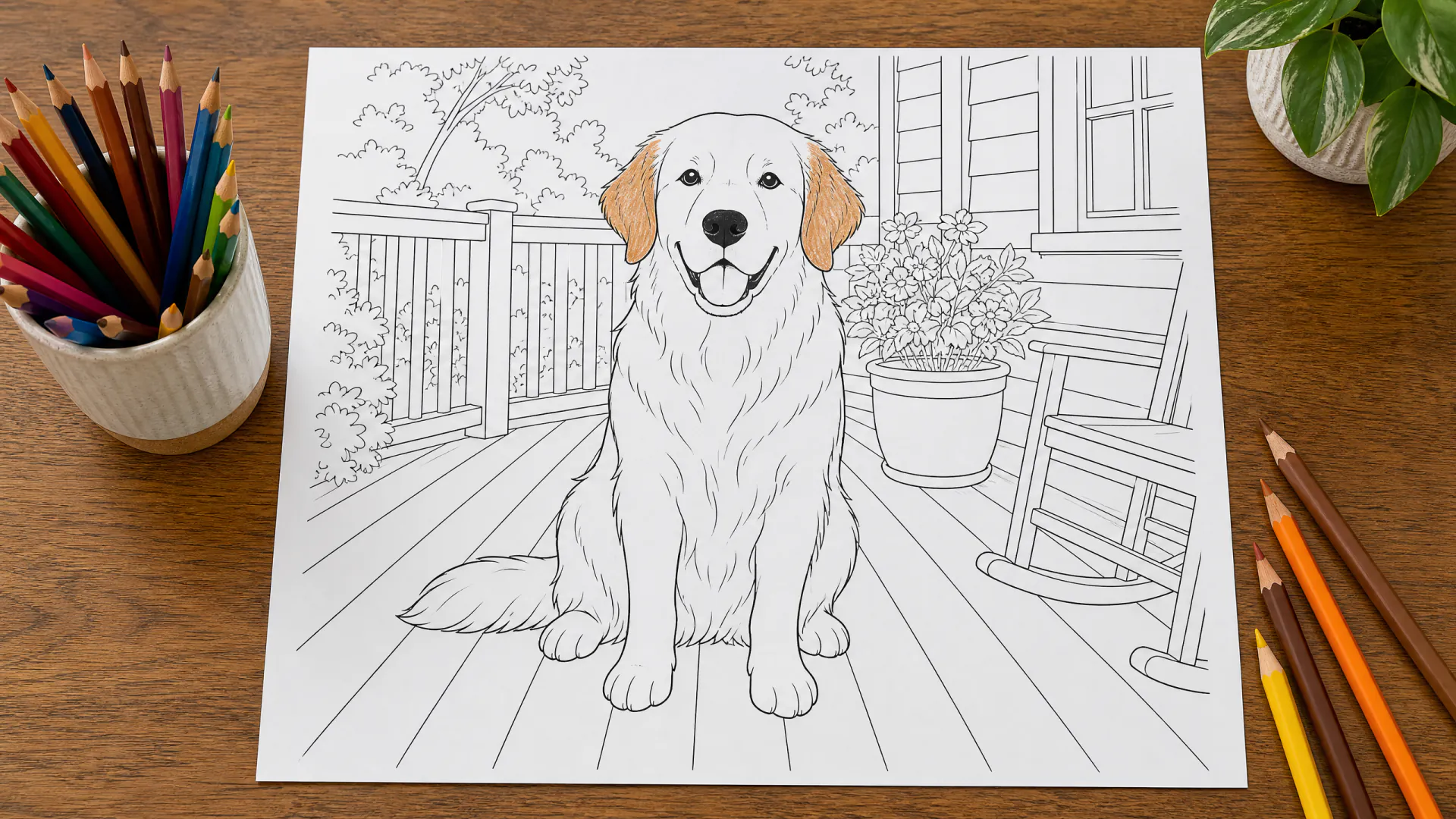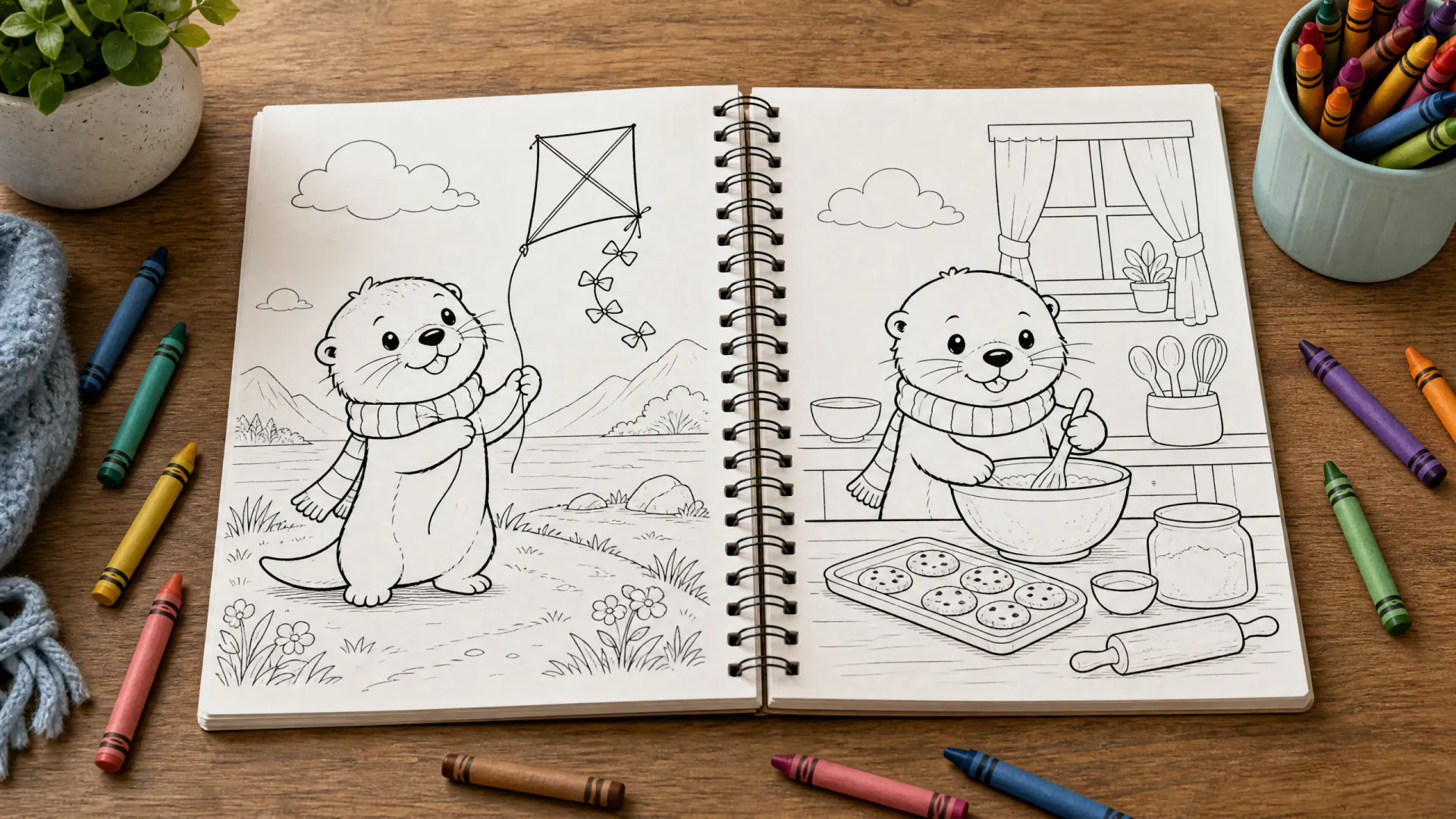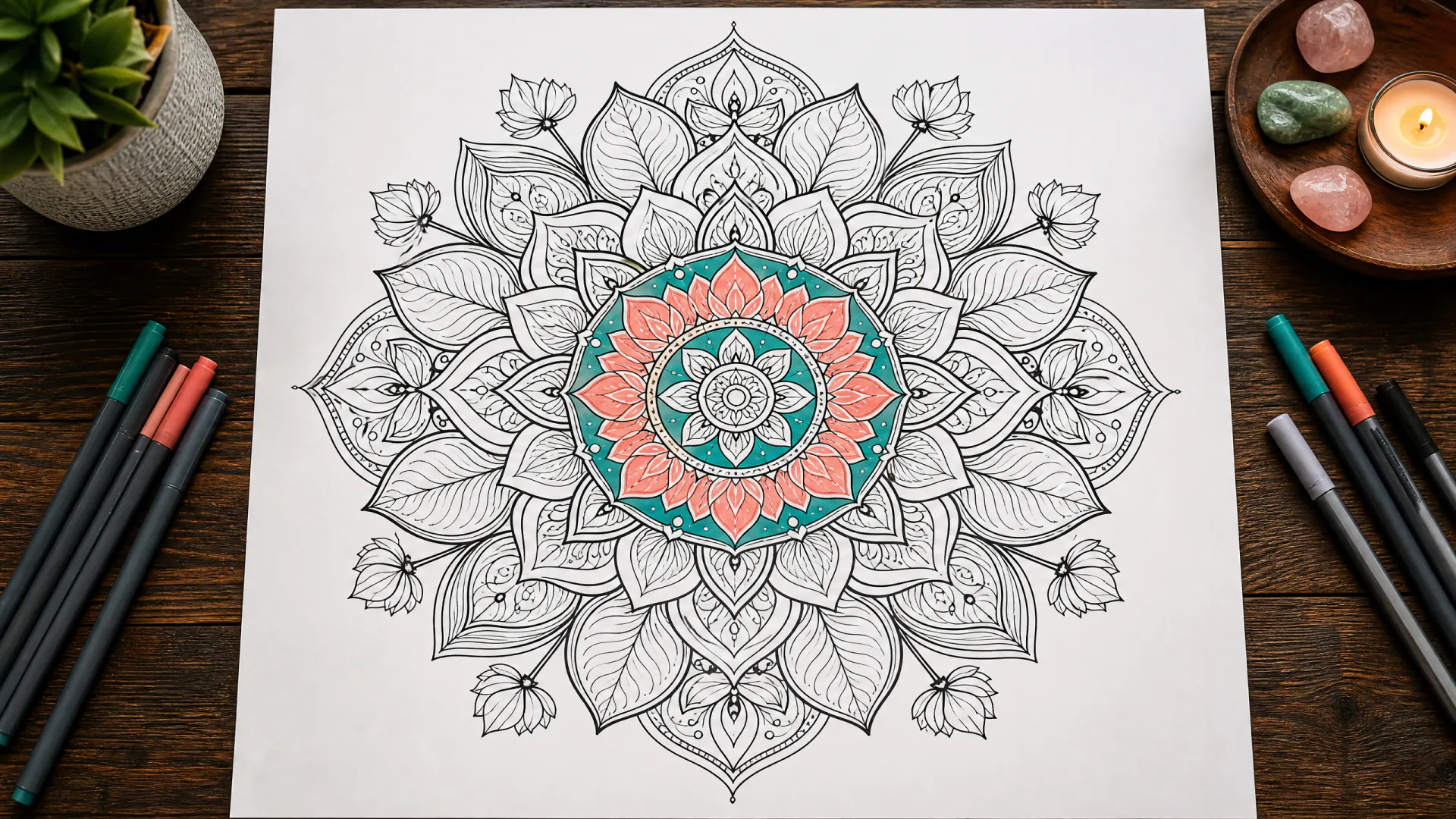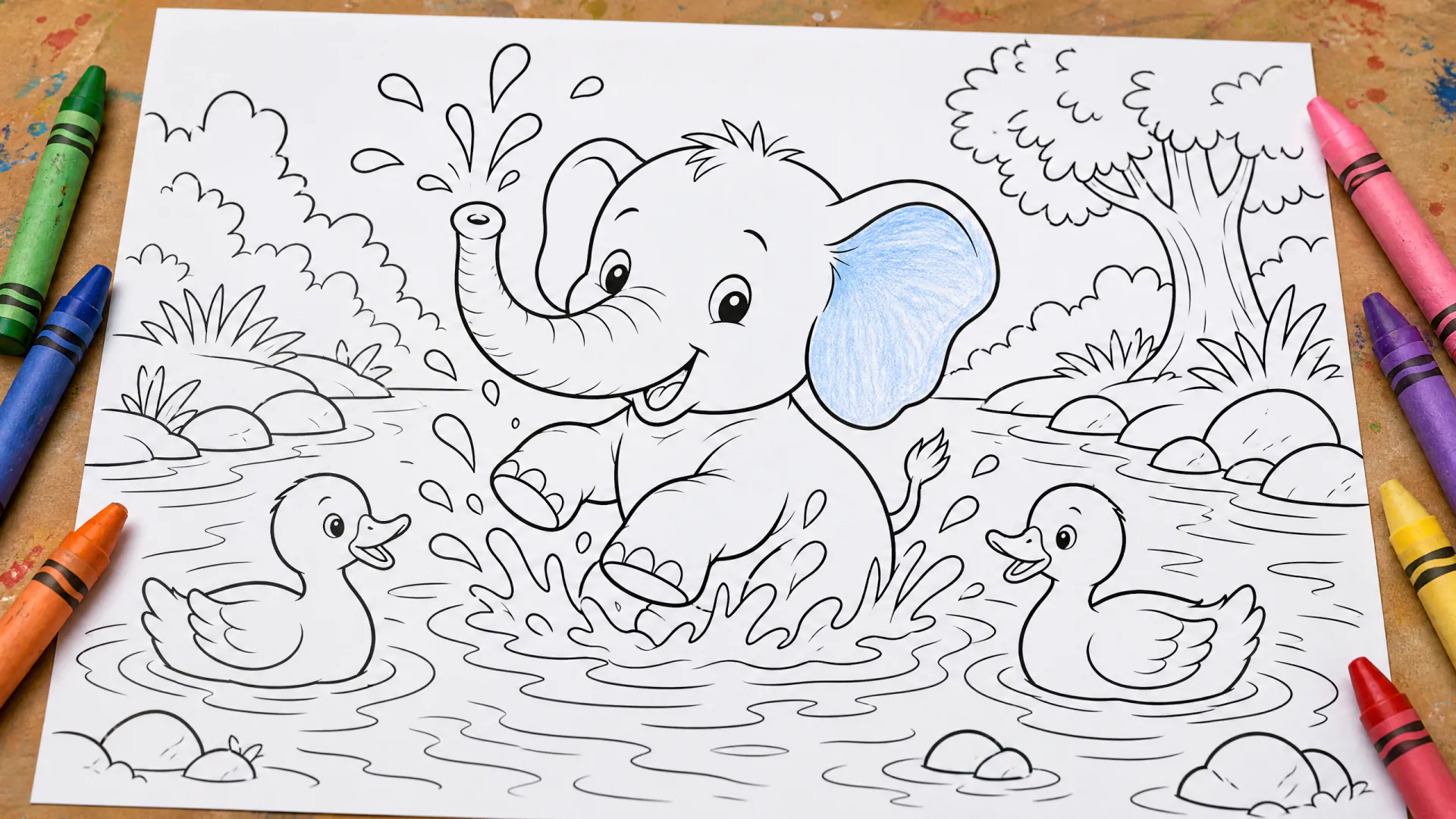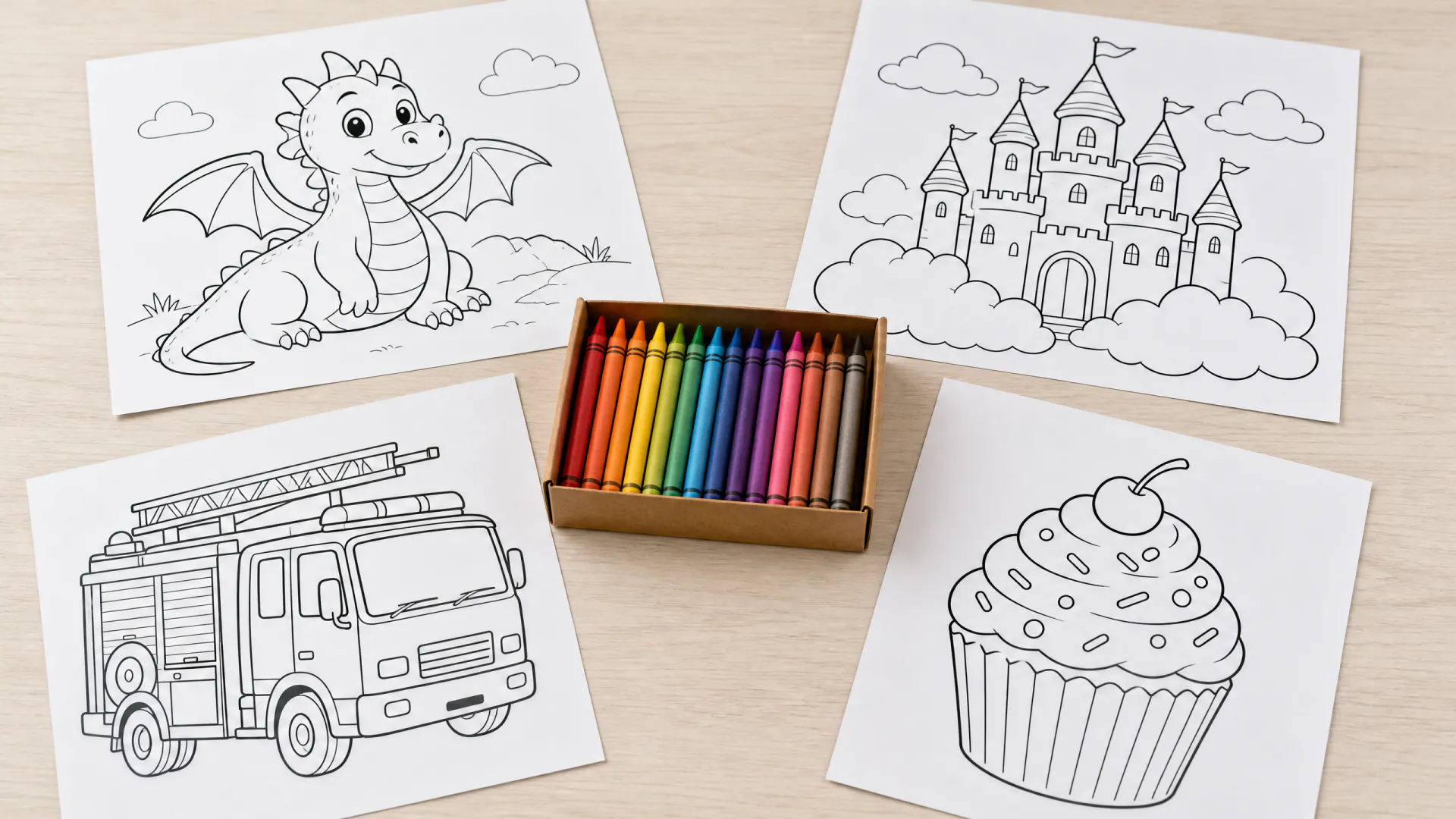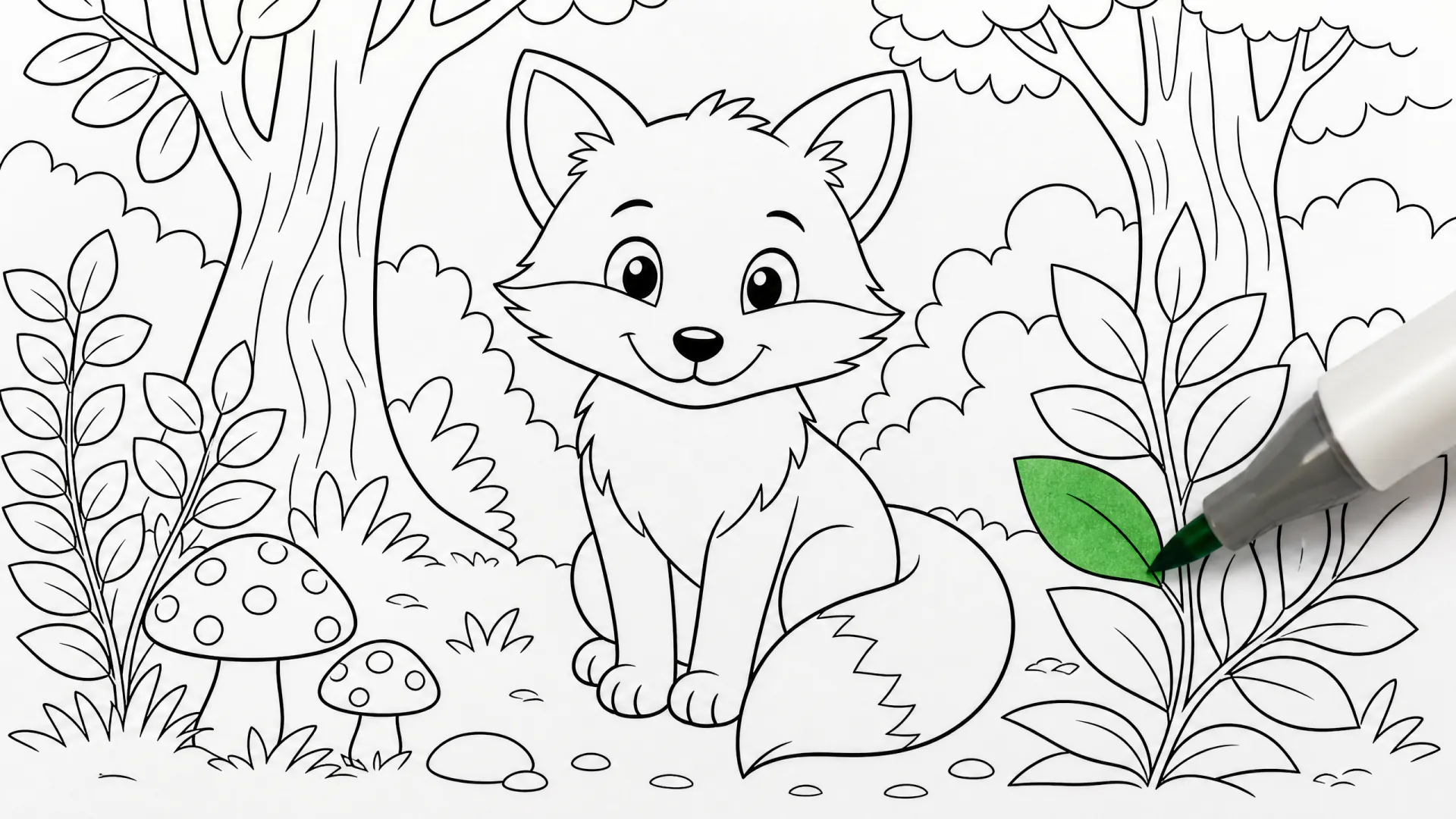
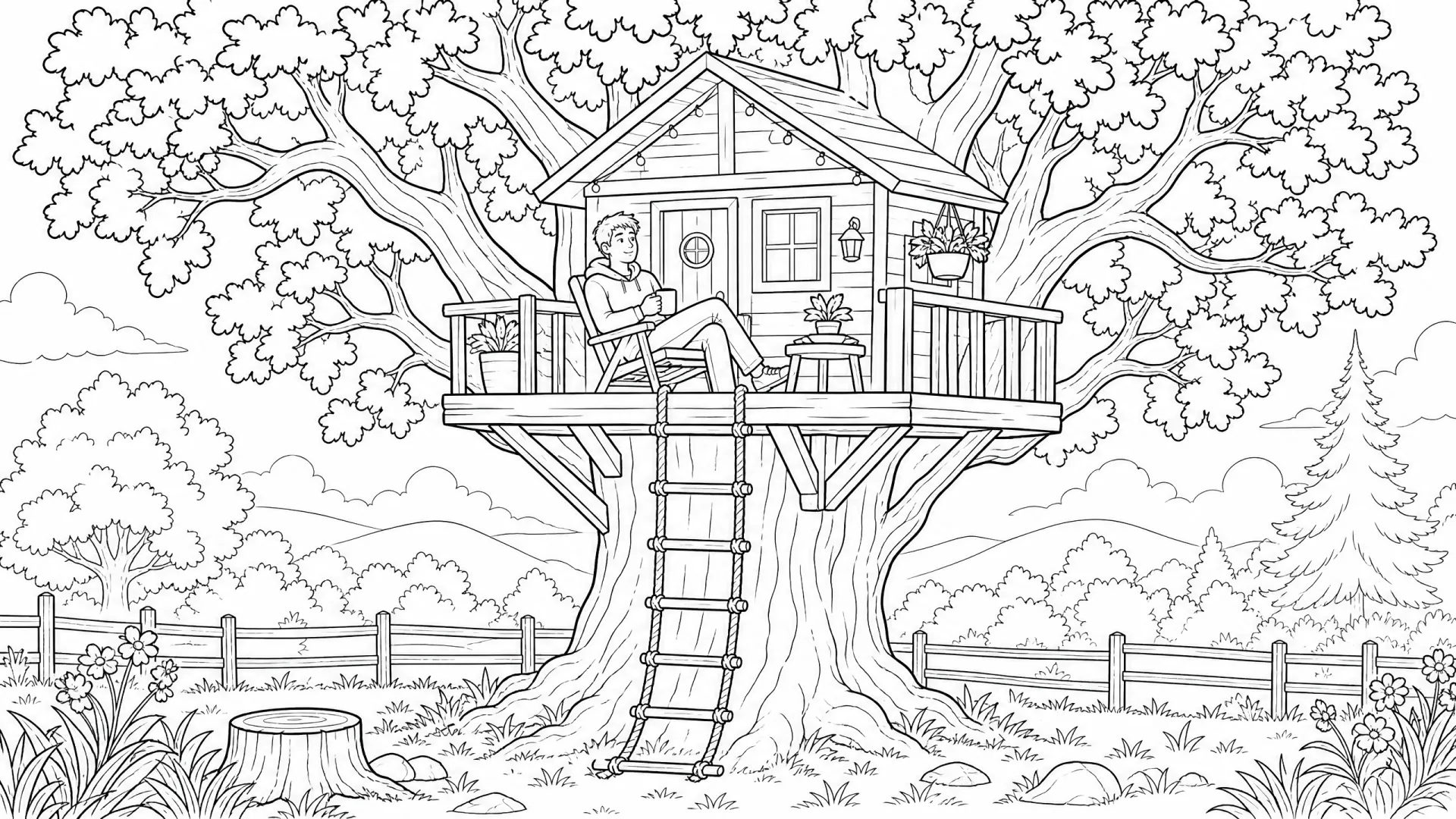
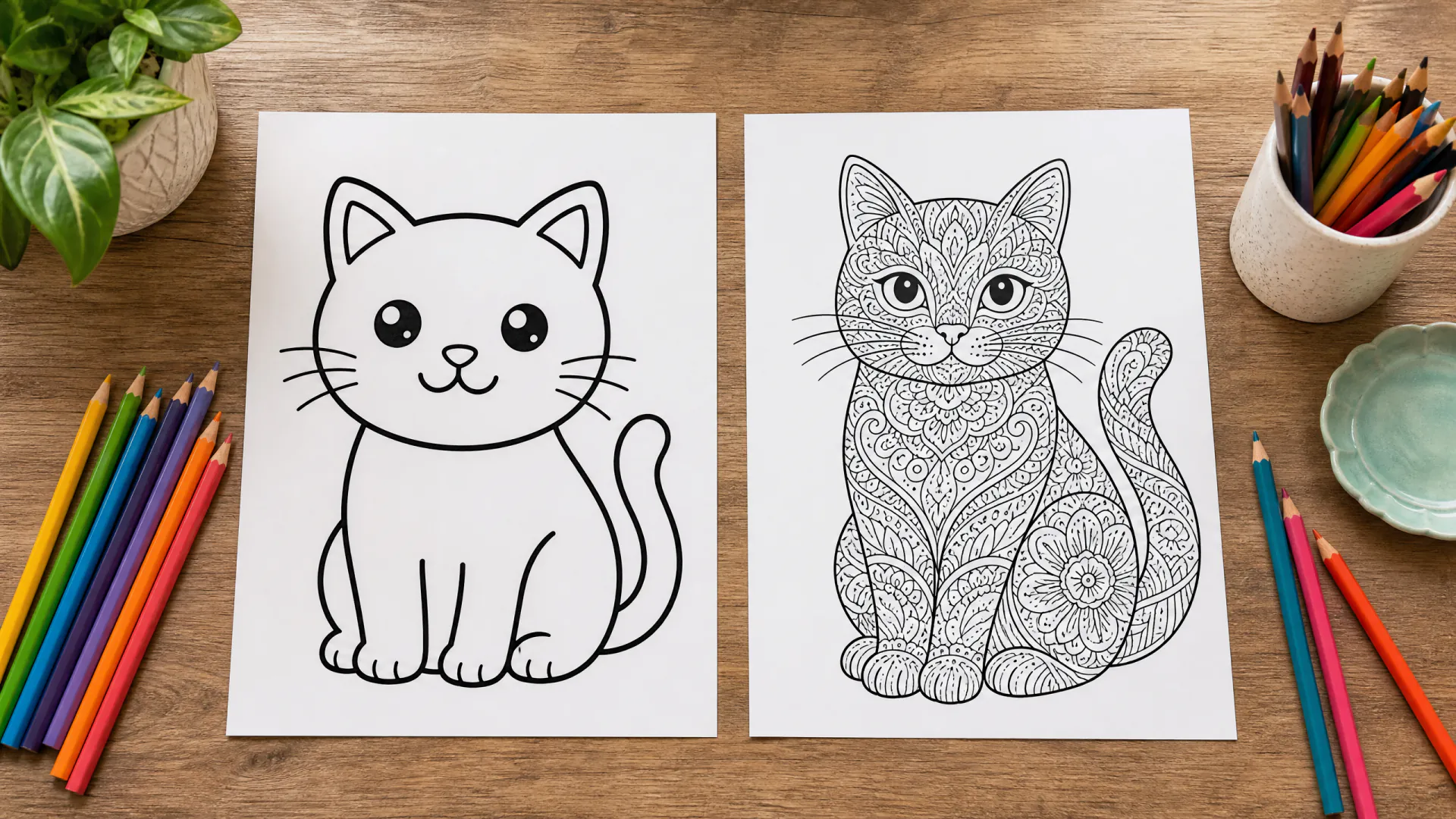
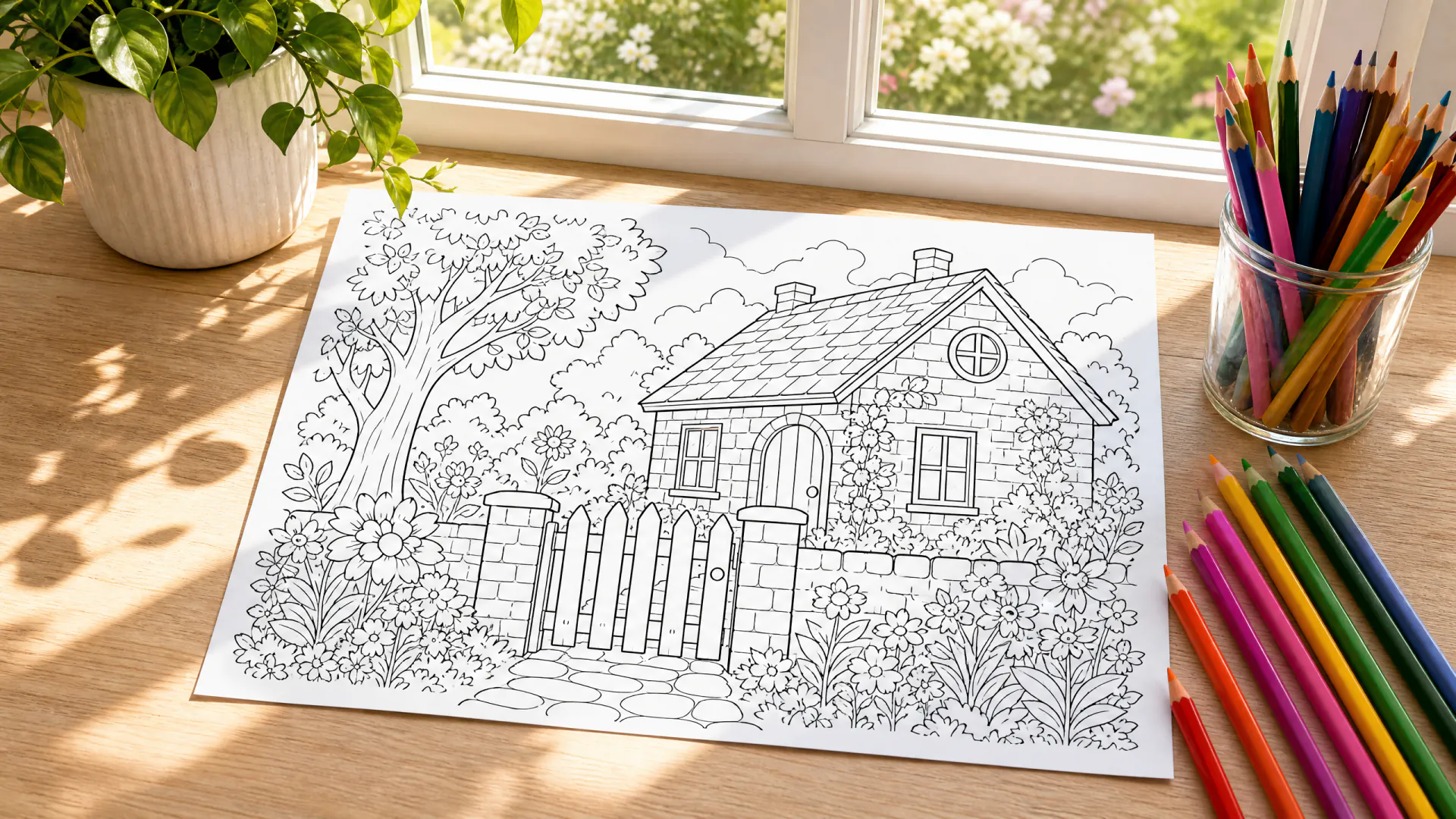
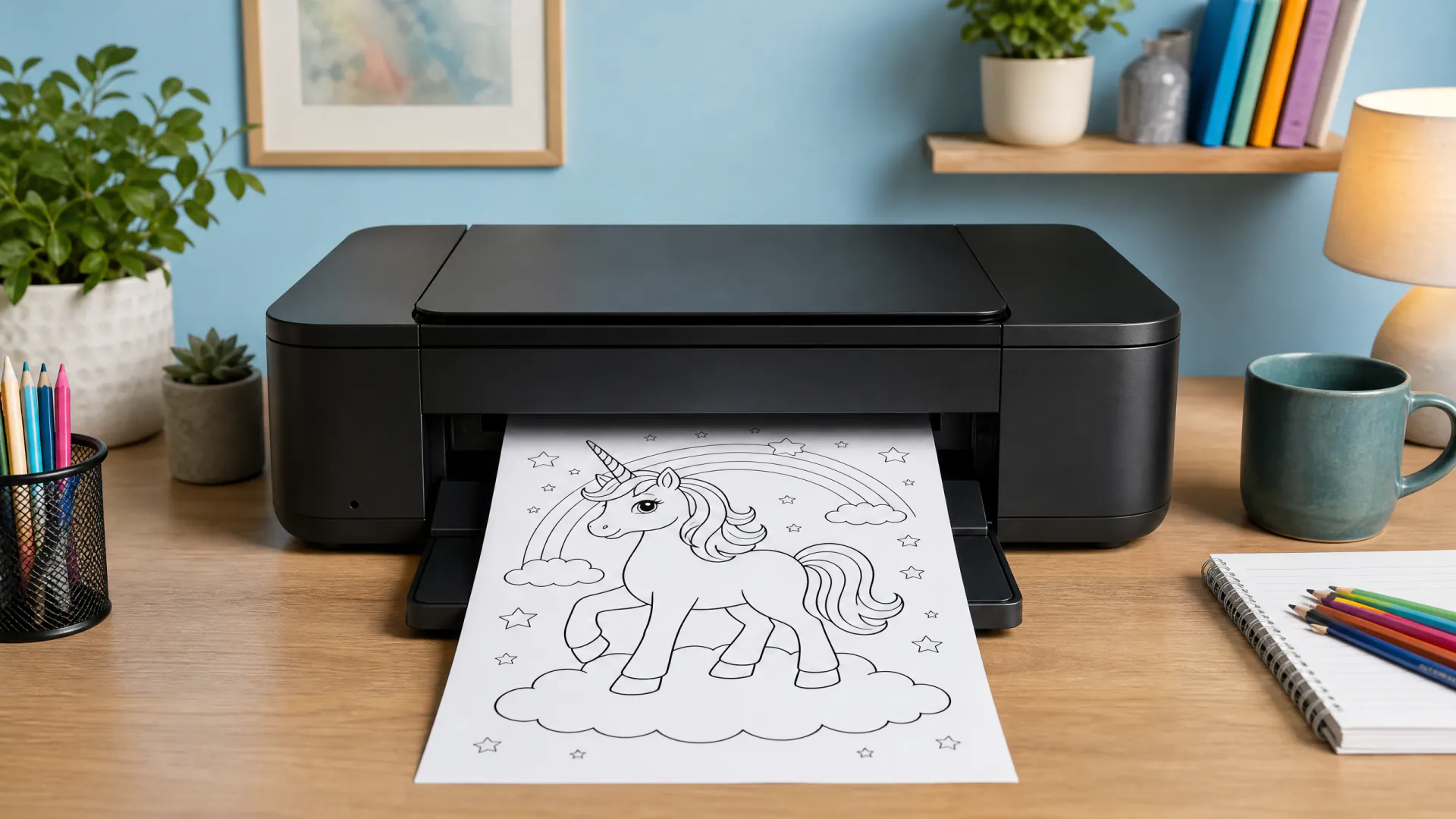
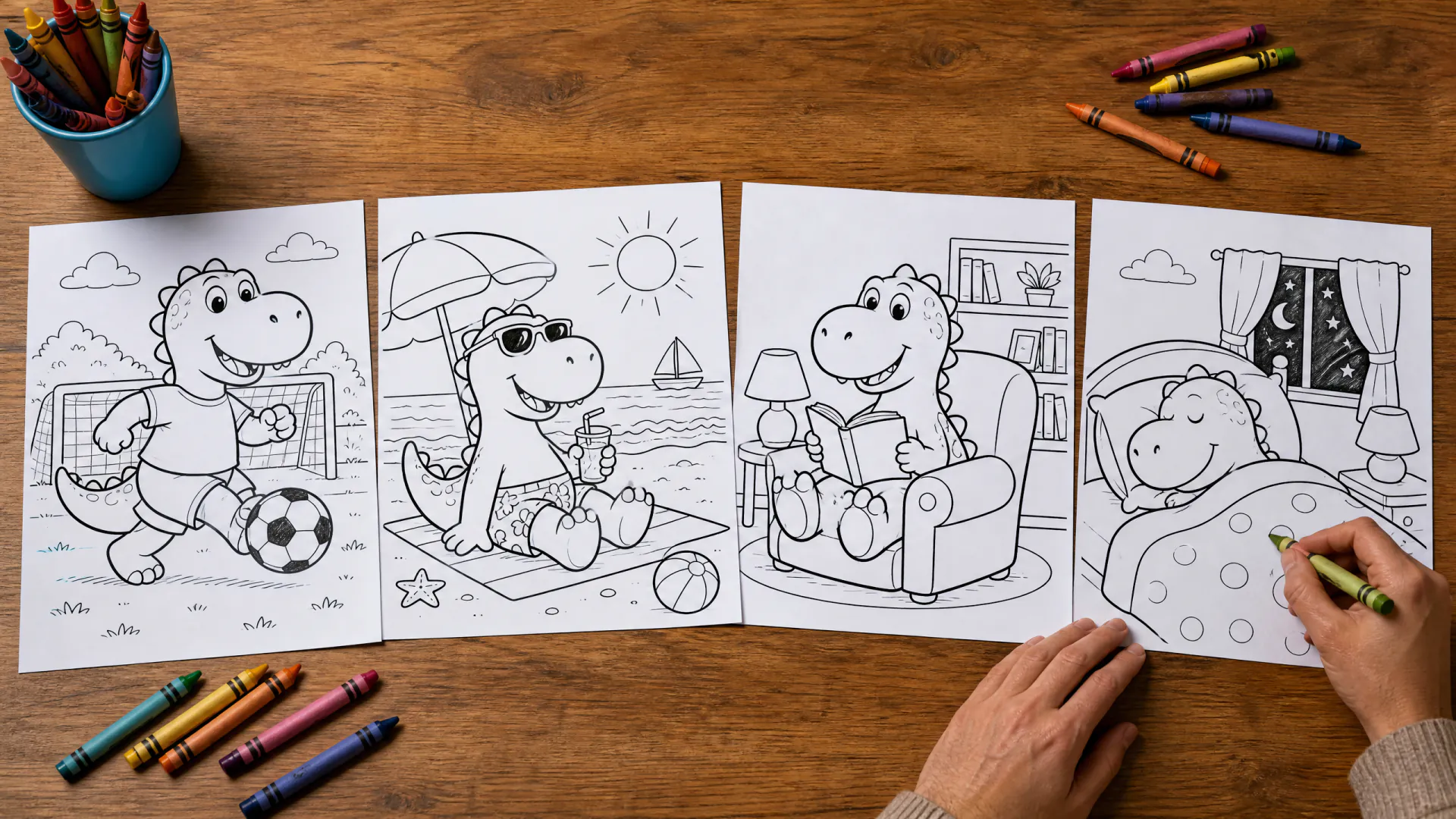

From a description or a photo

Coloring page generator: any idea, ready to print

Describe a subject or upload a photo and get clean black-and-white line art to print and color. Pick a page shape, see the price, download the page.

  • Printable line art
  • From text or a photo
  • Credits back on failed pages
Try
Model
Page shape
Size
Pages

16 credits

Buy credits

At a glance

Coloring Page Generator is an AI coloring page generator: describe any subject, or upload one photo, and it draws a printable black-and-white page with clean closed outlines, no shading and a white background. Pages come in 3:4, 2:3, 1:1, 4:3 shapes at 1K or 2K (1728x2304 pixels for a 3:4 page from text). A page from text costs 16 credits and one from a photo 20; signing up is free and generation uses purchased credits.

What you get
Black-and-white line art on white, ready to print
Models
GPT Image 2 from text, Nano Banana 2 from a photo
Price per page
16 credits from text, 20 from a photo, at 1K or 2K
Cost in dollars
About $0.14–$0.20 per page from text
Minimum purchase
A 400-credit pack for $4.99; plans from $9.99 a month
Page shapes
3:4, 2:3, 1:1, 4:3 (3:4 fills US Letter or A4)
Print size
1728x2304 pixels for a 3:4 page from text at 2K, about 200 pixels per inch on a full sheet
Download
An image file to print or color on a tablet; no PDF export
Sign-up
Free with email; pages use purchased credits

What makes a good coloring page, built in

Every request is wrapped in a fixed line-art brief, so you only describe the subject.

  • 01

    Clean, closed outlines

    The brief asks for smooth black lines of even weight that close every shape, so crayons, markers and digital fill tools stay inside.

  • 02

    No shading or grey

    Pure black on white, without gradients, hatching or solid black areas that waste ink or hide spaces to color.

  • 03

    Detail for every age

    Ask for bold, simple shapes for toddlers, a medium level for school kids, or intricate patterns for adults.

  • 04

    Pages from your photos

    Upload a photo of a pet, a house or a favorite place and get it back as line art that keeps its shape.

  • 05

    Sized for printing

    Choose 3:4, 2:3, 1:1, 4:3. At 2K a 3:4 page is 1728x2304 pixels, enough for a sharp US Letter or A4 print.

  • 06

    Up to 4 pages per run

    Make variations of one idea at once and keep the best, or build a matching set for a coloring book.

How to make a coloring page

Nothing to install and no drawing skills needed.

  1. 01

    Describe or upload

    Name the subject, the scene and the age it is for, or switch to From a photo and add one picture.

  2. 02

    Pick the page

    Choose the shape (3:4 for a full sheet), 1K or 2K, and how many pages to make.

  3. 03

    Download and print

    Save the image, print it on plain paper at full page size, or color it in a drawing app.

What is a coloring page generator?

A coloring page generator is a tool that draws printable line art from a short description or a photo. Instead of searching printable sites for a page that is almost right, you describe exactly the picture you want: the subject, what it is doing, the setting and how detailed it should be.

Coloring Page Generator sends your words to GPT Image 2 with a fixed brief that asks for closed black outlines on white, no shading and a white margin. From a photo, Nano Banana 2 traces the main shapes of your picture instead. People also call this an AI coloring page generator, a coloring page maker or simply AI coloring pages.
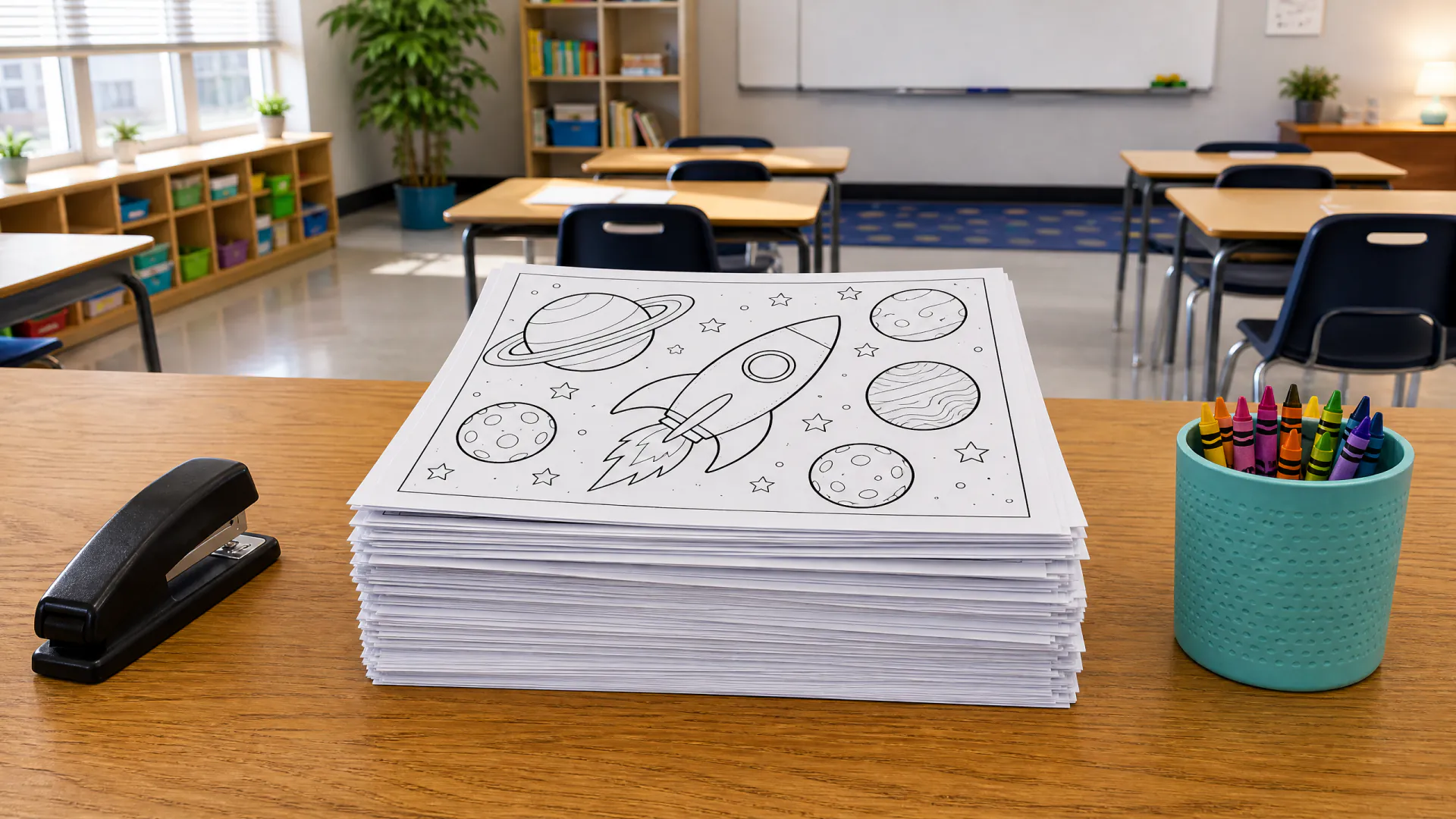
Who makes their own coloring pages

A page made for the moment often beats a generic printable:

  • Parents: a page about today's zoo trip, a birthday theme or a favorite animal
  • Teachers: pages that match a lesson, a season or a class reading
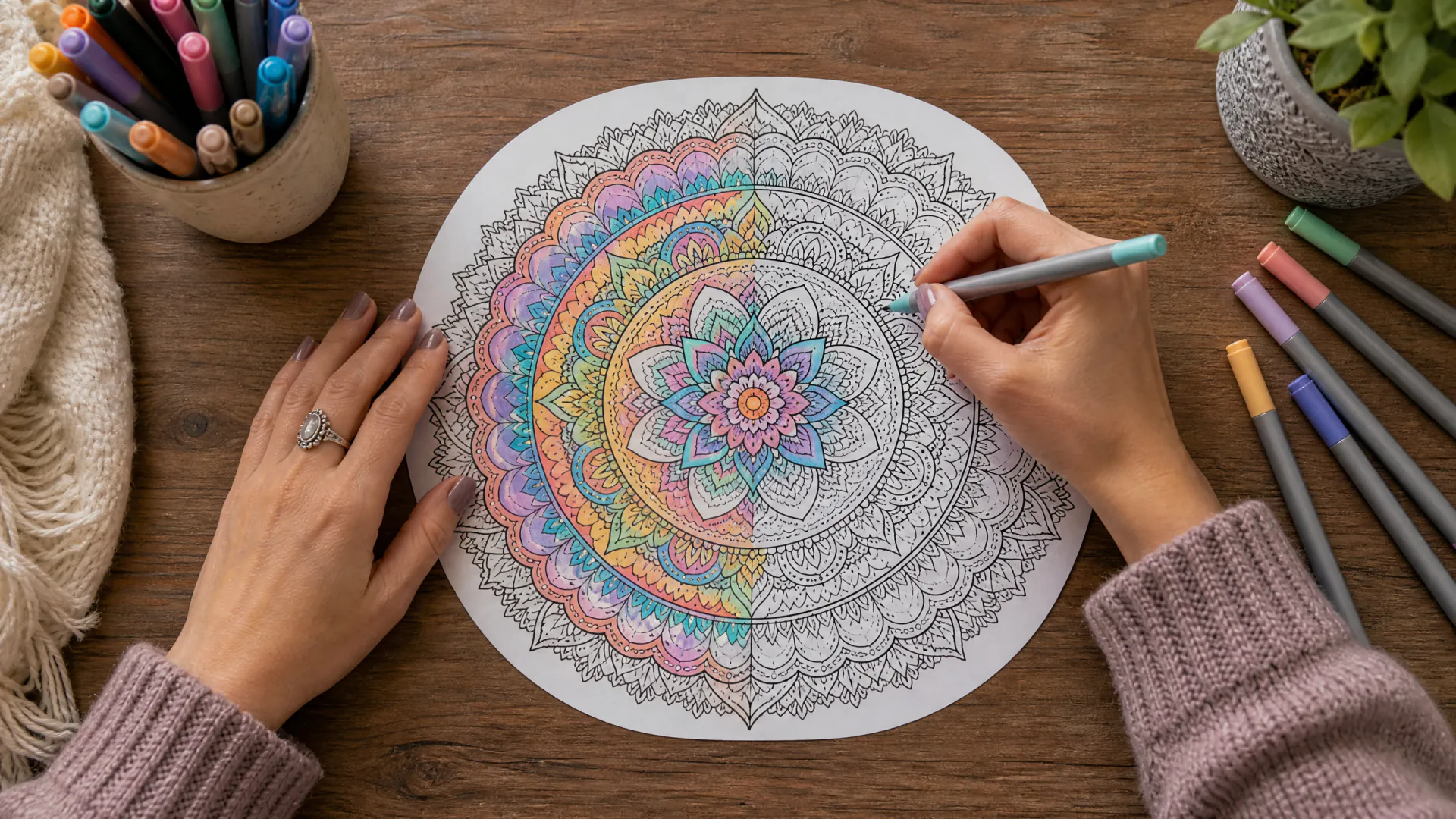
  • Adults: detailed mandalas, gardens and patterns for relaxed coloring
  • Party hosts: themed pages for a table activity or a goody bag
  • Pet owners: a line drawing of their own dog or cat from a photo

How to describe a coloring page

Short, concrete requests give the most usable pages. These habits help:

  • Name one main subject and what it is doing.
  • Say who will color it: “for a 4-year-old” or “intricate, for adults”.
  • Add a simple setting, or ask for a plain white background.
  • Ask for “thick outlines” for crayons or “fine lines” for gel pens.
  • Want words on the page? Put them in quotation marks.

Printing your pages

Choose 3:4 for a page that fills a US Letter or A4 sheet in portrait, or 4:3 for landscape. At 2K a 3:4 page from text is 1728x2304 pixels, about 200 pixels per inch across the sheet; 1K (960x1280) is fine for screens and small prints.

Downloads are image files, not PDFs. Print with “fit to page” on plain paper, or on card stock for markers. To make a booklet, place several pages in a document or print them one after another.

Generated pages, printable libraries or drawing by hand

Each has its place. Here is how they compare when you need a particular page today.

Coloring Page GeneratorPrintable librariesDrawing by hand
SubjectAnything you describe or photographWhat the library hasAnything you can draw
Cost16–20 credits a pageOften free, with adsYour time
Your own photosYes, one photo per pageNoBy tracing
Detail levelYou choose it in wordsFixedUp to you
Line qualityUsually clean; check before printingVaries by siteDepends on the artist

Coloring page generator questions

Is this coloring page generator free?

Signing up and the page ideas are free; generating uses purchased credits: 16 credits for a page from text and 20 for a page from a photo. New accounts start with no credits, and failed pages return their credits automatically.

How much does a coloring page cost?

16 credits from text and 20 from a photo, at 1K or 2K. That is about $0.14–$0.20 for a page from text, depending on the plan or pack, and the price is shown before you generate. Credits come in packs from $4.99, not as single pages.

Can I print the pages?

Yes. Download the image and print it at full page size. Choose 3:4 at 2K for a sharp US Letter or A4 page. Downloads are image files; there is no PDF export.

Can I turn a photo into a coloring page?

Yes. Choose From a photo, upload one photo of a pet, a building, an object or an adult who agreed to it, and say how detailed the lines should be. Photos of children are not allowed.

Can I make pages of cartoon characters?

No. Our terms do not allow copyrighted characters, and the brief asks the model to draw an original character with a similar theme whenever a request names an existing cartoon, film or game character.

Can I share or sell the pages I make?

You may use your pages for personal and commercial projects, such as class handouts or a coloring book, if your requests respect other people's rights and our terms. AI images may not be protected by copyright in some countries.

Are the pages suitable for kids?

Every request asks for family-friendly line art with people fully clothed, and the model provider's safety system can refuse unsafe requests. Still look at each page before you hand it to a child.

Make your first coloring page

Create a free account, describe a page and see its price before you generate. Pages use purchased credits.

Last updated October 23, 2026

Create your free account